
Rigo Studio, now on Mac and Windows.
Crop scouting, drone image analysis and traceability, built for African farms and the agronomists who walk them. The desktop build adds the two things a browser tab cannot do: working with no signal, and processing a whole flight at once.

Crop stress
See crop stress
Analyse vegetation and identify areas worth investigating.
See crop stress. Analyse vegetation and identify areas worth investigating.
Checking what you are running.
These builds are not code signed yet, so your machine will warn you the first time you open the app. On a Mac, drag Rigo Studio to Applications and open it. When macOS says it could not verify the app, click Done, open System Settings → Privacy & Security, scroll down and click Open Anyway. You only do this once.
On a tablet, or not ready to install? Rigo Studio runs in your browser now, free, with no account. The vegetation overlay is computed on your own device and the image never leaves it.
What Rigo Studio does
Six things, and every one of them works on a single photograph before it needs anything else from you.
Read a field from a photograph
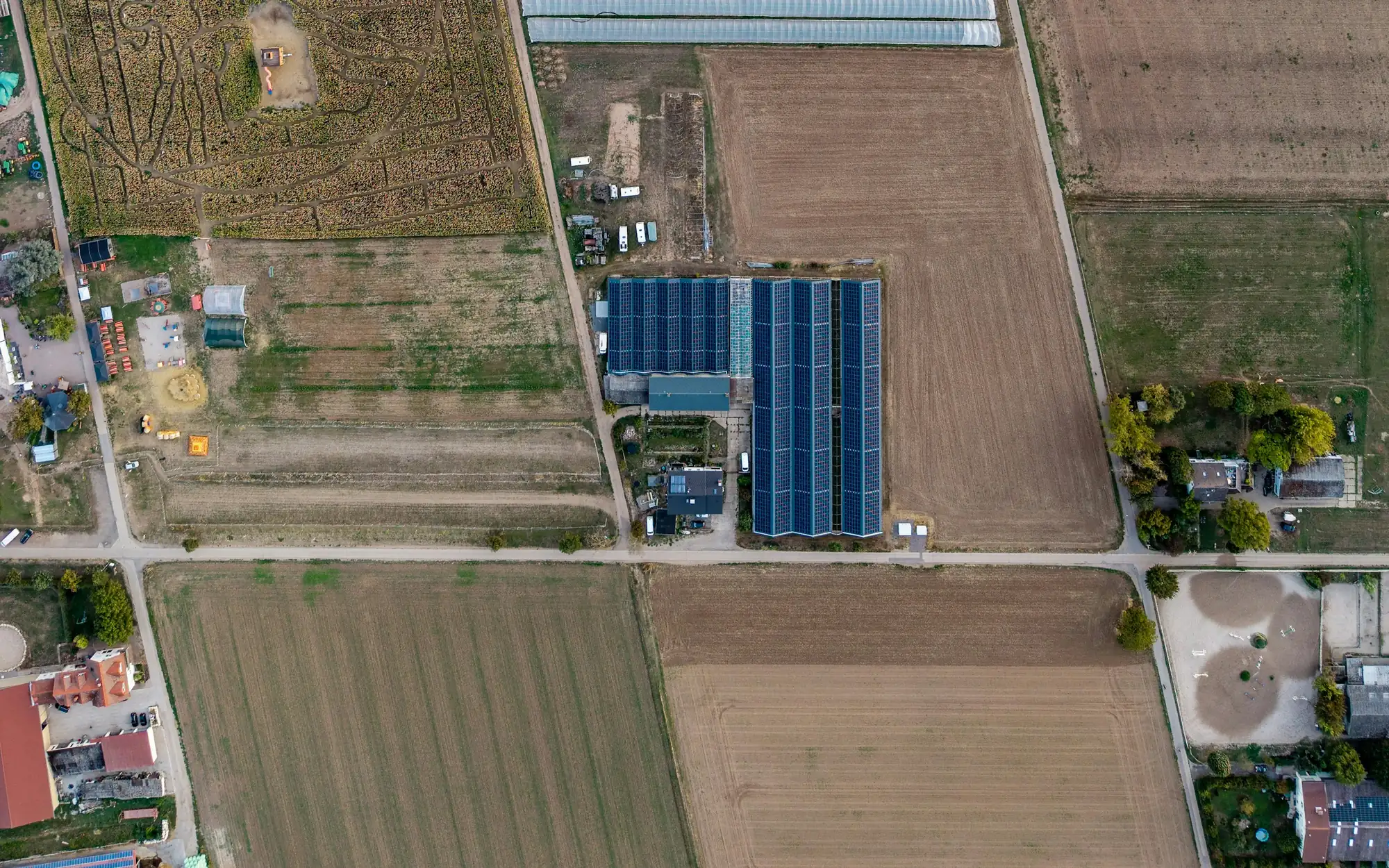
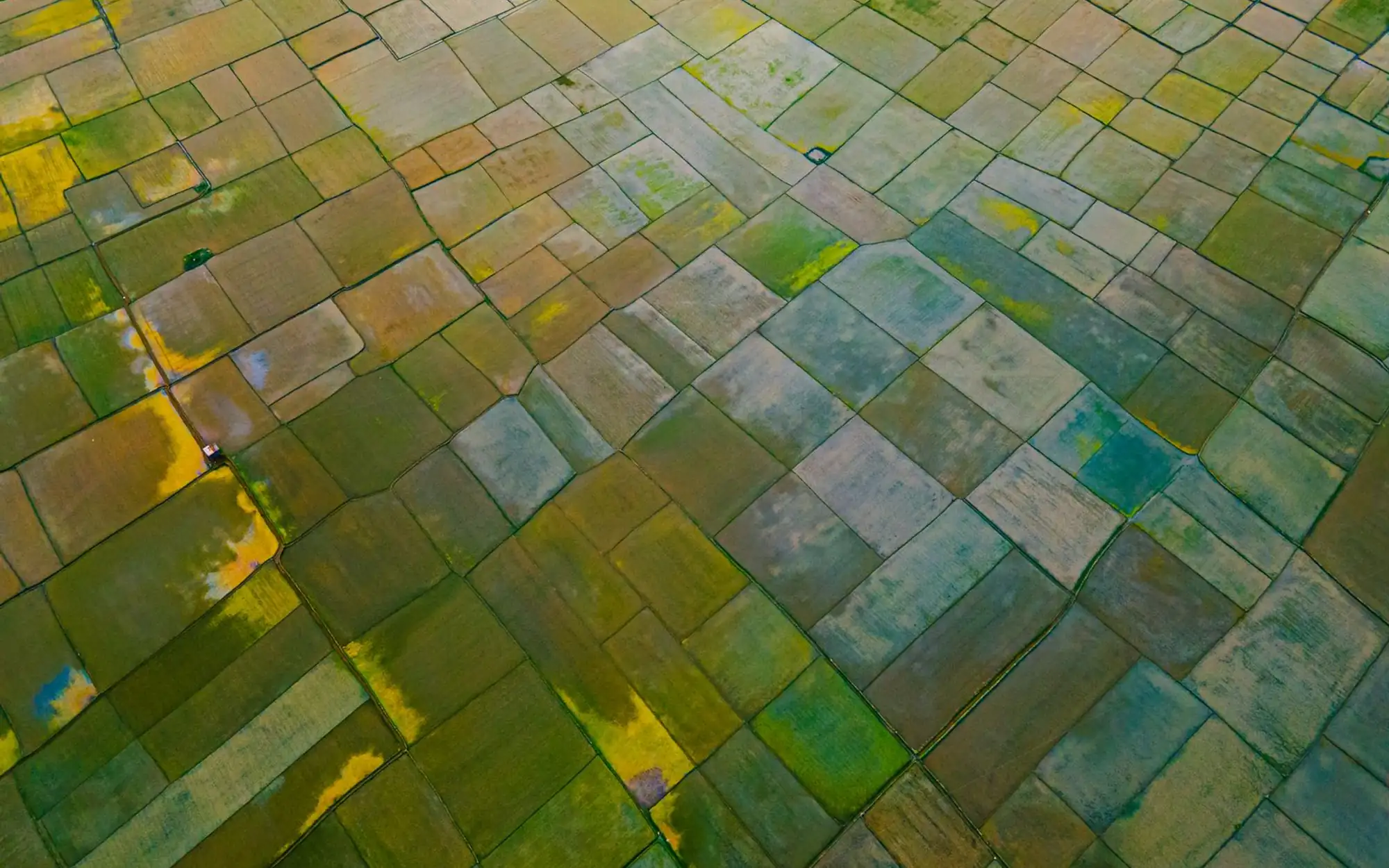
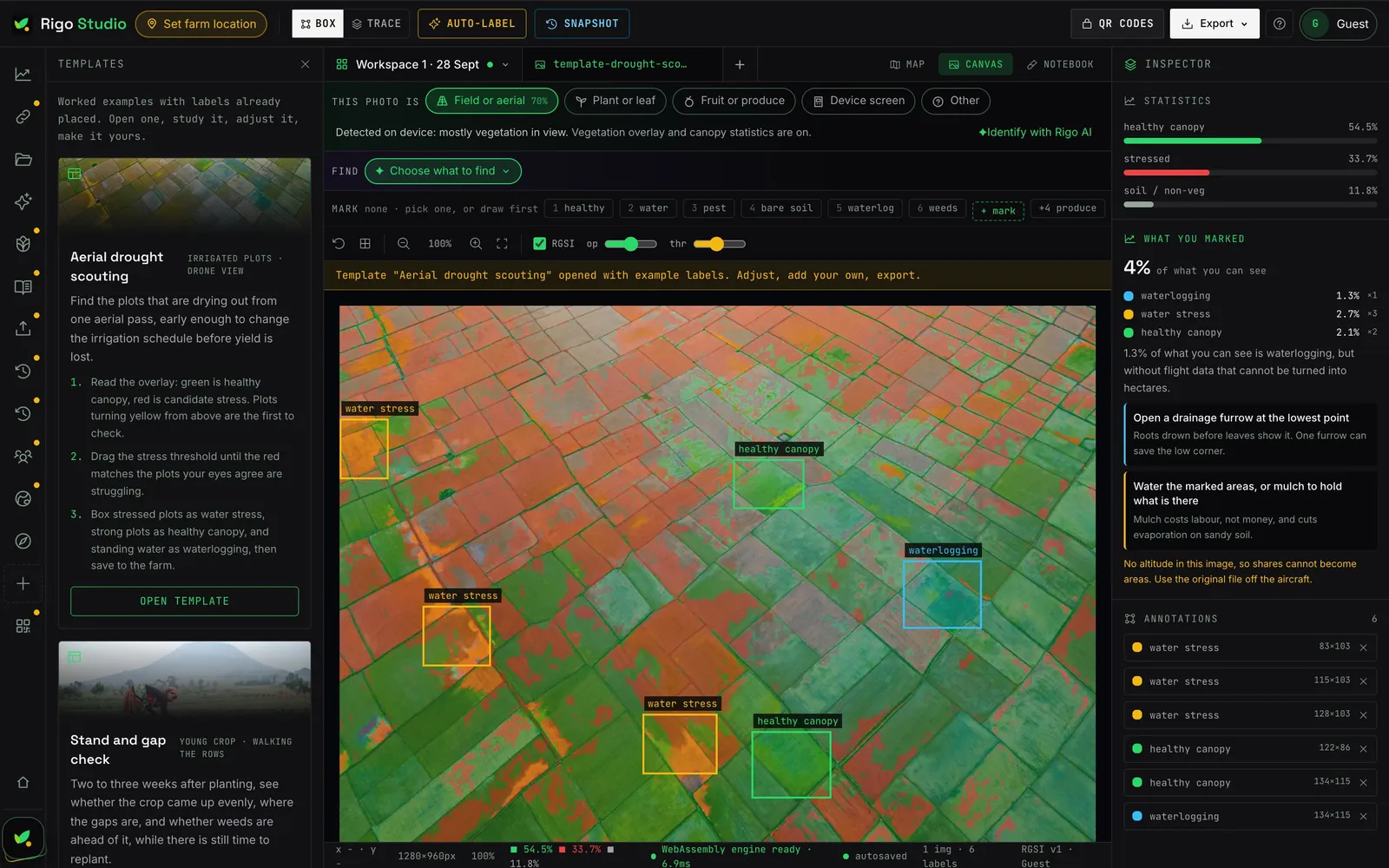
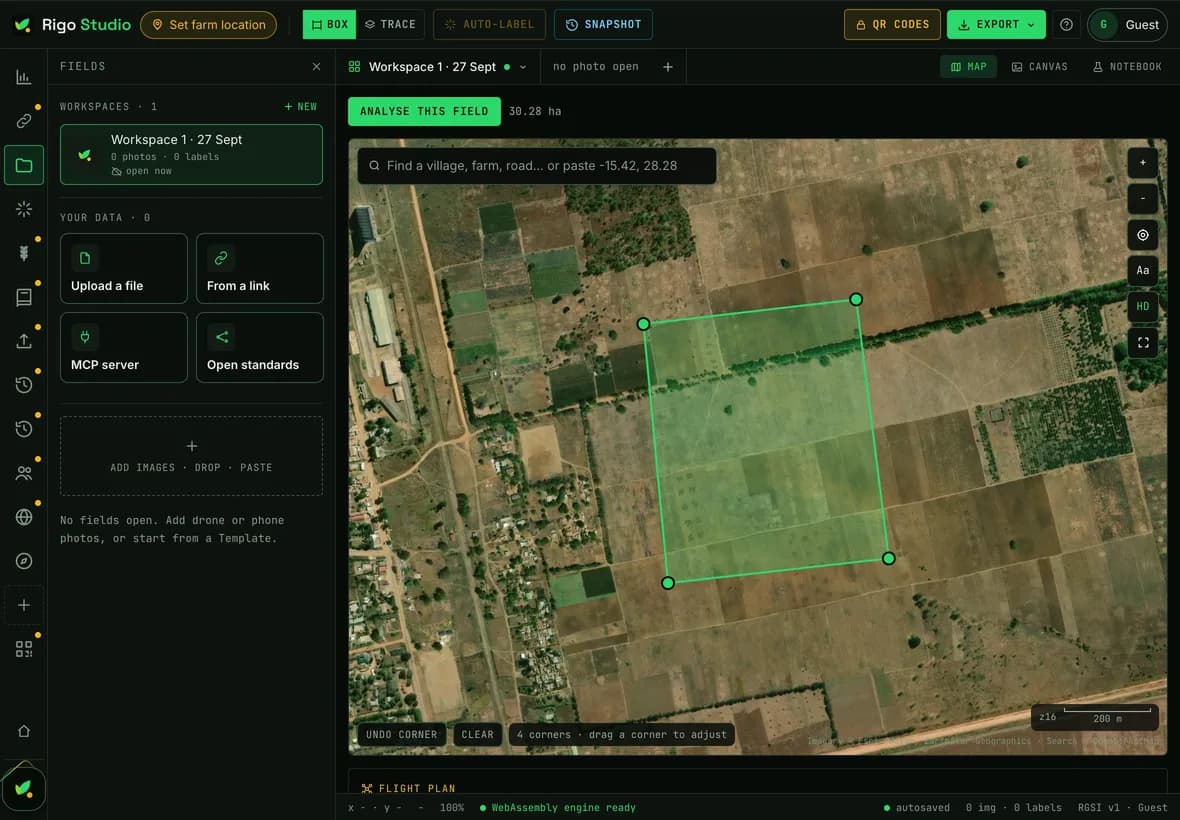
Drop in a drone orthomosaic or a phone picture taken from a bund. Studio computes the vegetation overlay on your own machine and shows you where the crop is under stress before it is visible from the road.
Rigo AI names what is wrong
Not just a colour map. The model reads the picture against crop disease classifiers and returns findings with a confidence figure attached, so you can tell a firm call from a tentative one.
Fields, seasons and what you decided
Every observation is tied to a field and a date, so the second season compares against the first. Studio tells you what changed, in numbers, rather than asking you to remember.
Crop passports your buyer can scan
A harvest gets a QR code that proves origin, season and checks. That is the evidence an EU or US importer now has to hold on file before they can accept the consignment.
A farm ledger that is only arithmetic
Cattle, feed, solar, workers, inputs. Declared assets and metered readings, with every derived figure computed from a published formula. Nothing on that screen was invented by a model.
Bring in what you already have
Import a spreadsheet of yields or costs. Studio infers the columns, matches names that differ by a space or a spelling, and tells you what it could not read.


What the desktop build adds
Everything else on this page already works in the browser. These four are the reason the desktop version is being written.
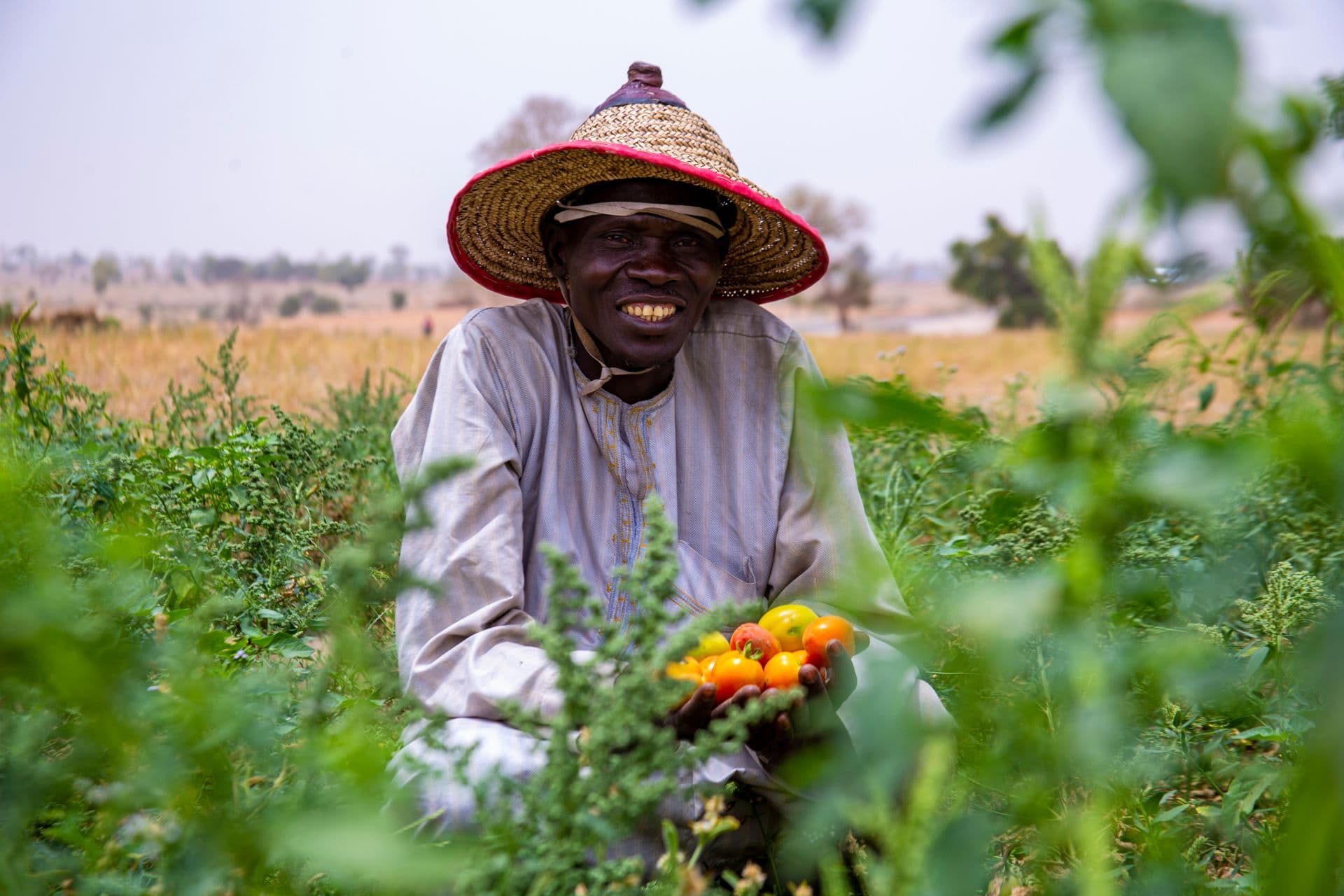
Works with no signal
The reason this is being built. Capture and analysis in a valley with no bars, syncing when you are back within reach of a tower.
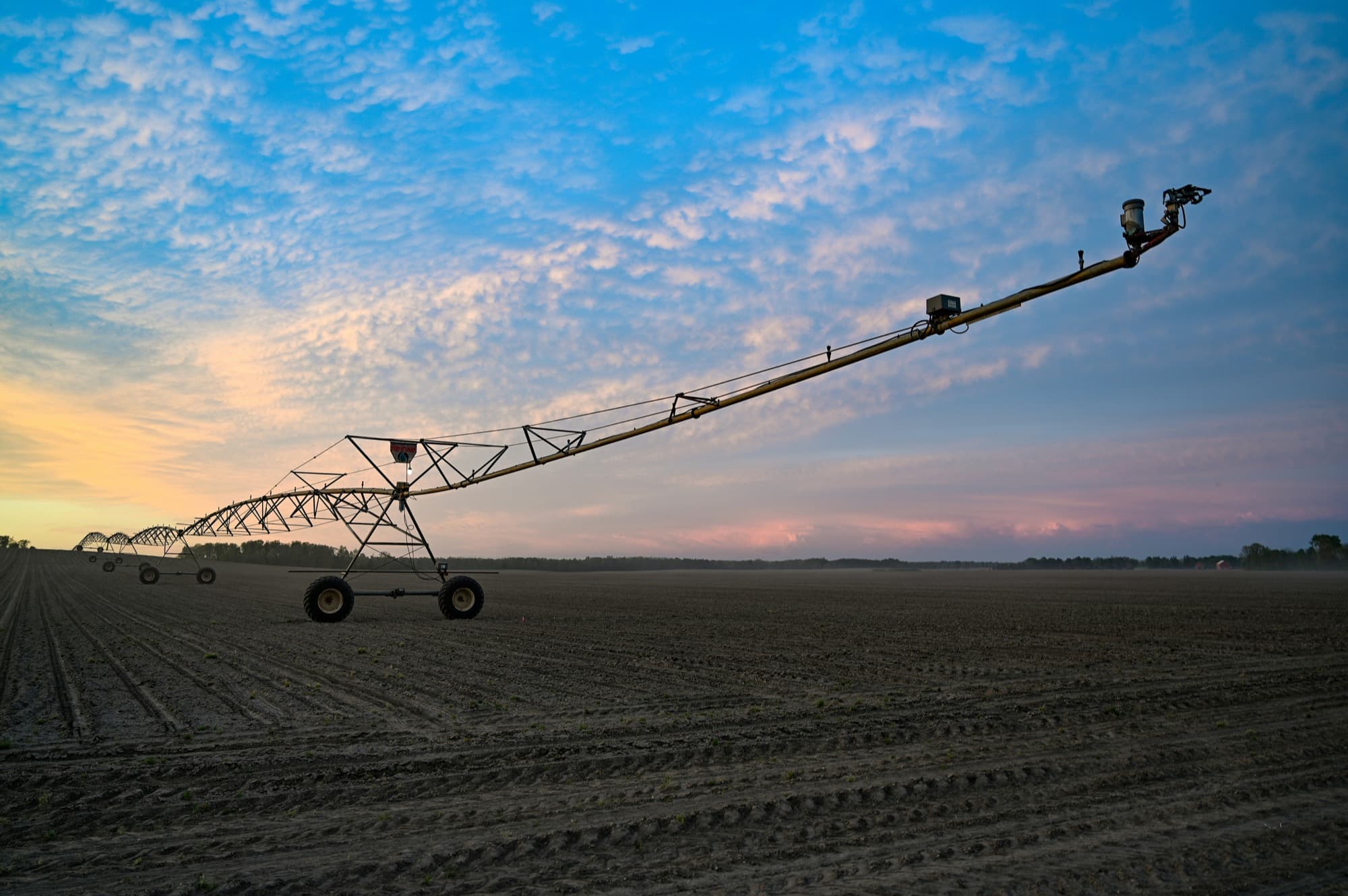
Whole flights at once
A browser tab has a memory ceiling. The desktop build processes a full survey folder, hundreds of frames, without you feeding it one image at a time.
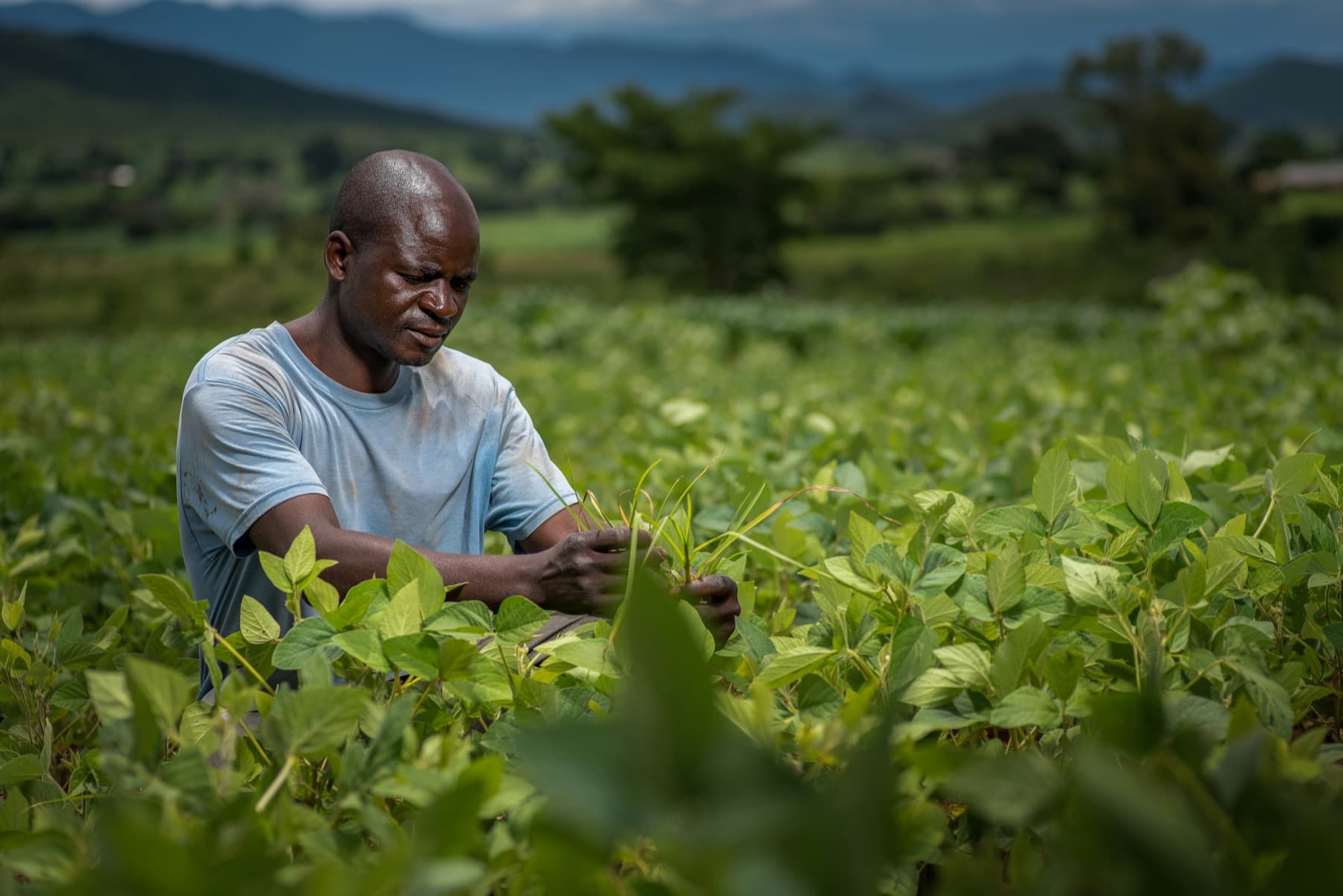
Watches your card reader
Point it at the folder your drone software writes to. New flights are picked up and processed while you make tea.
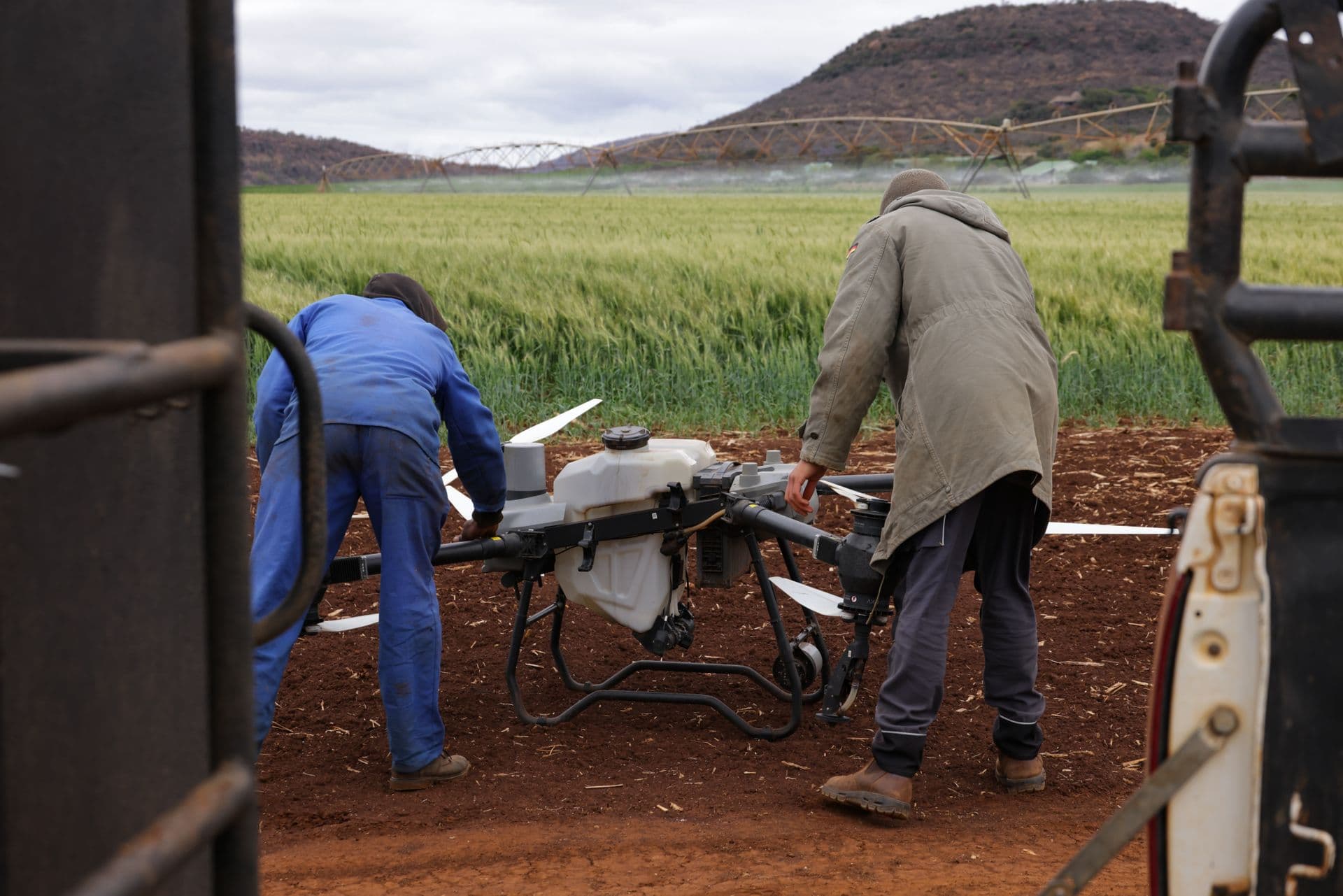
Your files stay yours
Imagery lives on your disk, not ours. Passports and shared workspaces still sync; raw frames only leave the machine if you send them.
Field photographs and plot boundaries are never stored on our servers without you asking for it. That is true of the browser version today and it will be true of the desktop build. How we handle your data.
Who it is for
Scout more fields in a day than you can walk, and hand the grower a record of what you saw rather than a verbal report.
See stress in a block before the loss is visible, and keep a season-to-season record of what you did about it.
Keep per-farmer attribution through pooling, and give the exporter one evidence pack per lot.
Plot geolocation captured at the farm, not reconstructed afterwards from a spreadsheet.
An ontology, an API and exportable records, so what you build on top of it is yours to take with you.
All downloads
Rigo Studio 0.1.2, free and complete. Pick your machine if the button above chose the wrong one.
- Download for MacDownload
Apple silicon, M1 and later · 97 MB · Rigo-Studio-0.1.2-arm64.dmg
- Download for MacDownload
Intel processor · 104 MB · Rigo-Studio-0.1.2-x64.dmg
- Download for WindowsDownload
Installer, 64-bit · 82 MB · Rigo-Studio-Setup-0.1.2-x64.exe
- Portable for WindowsDownload
Runs without installing, 64-bit · 82 MB · Rigo-Studio-Portable-0.1.2-x64.exe
Verify a download against the SHA-256 checksums. Source for the desktop shell is not published; these are release binaries.
Get Rigo Studio on your machine.
Free, and it signs in with the account you already have.
Checking what you are running.
These builds are not code signed yet, so your machine will warn you the first time you open the app. On a Mac, drag Rigo Studio to Applications and open it. When macOS says it could not verify the app, click Done, open System Settings → Privacy & Security, scroll down and click Open Anyway. You only do this once.